Category
page 1Linux installation software
Wubi
discontinued Ubuntu Linux installer for Windows

Flatpak
thumb|Preferred badge for promoting apps on Flathub since 2023, English version
Flatpak is a utility for software deployment and package management for Linux. It provides a sandbox environment in which users can run application software in (partial) isolation from the rest of the system. Flatpak was known as xdg-app until 2016.
Rufus
utility for format and create bootable USB flash drives
UNetbootin
UNetbootin ("Universal Netboot Installer") is a cross-platform utility that can create live USB systems and can load a variety of system utilities or install various Linux distributions and other operating systems without a CD.
Snap
software deployment and package management system developed by Canonical

AppImage
AppImage (formerly known as klik and PortableLinuxApps) is an open-source format for distributing portable software on Linux. It aims to allow the installation of binary software independently of specific Linux distributions. As a result, one AppImage can be installed and run across various GNU/Linux distributions without needing to use different files. It aims to be a format that is self-contained, rootless, and independent of the underlying Linux distribution.
Anaconda
software installer for several Linux distributions
Ubiquity
free software; default installer for Ubuntu and its derivatives
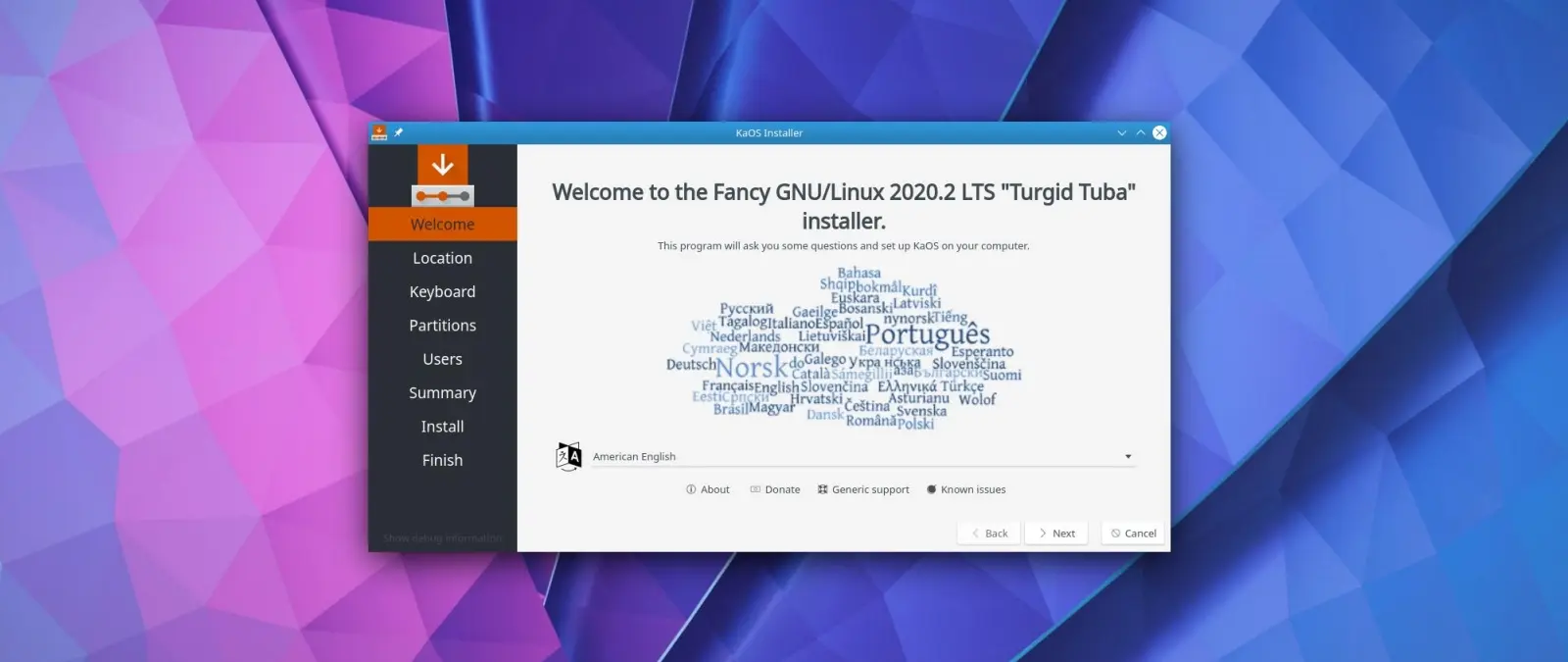
Calamares
free software
balenaEtcher
disk image utility and multiboot live USB creator
Fedora Media Writer
free software for image creation
Debian-Installer
Debian-Installer is a system installer for Debian and its derivatives. It originally appeared in Skolelinux (Debian-Edu) 1.0, released in June 2004, but is now used as the official installation system since Debian 3.1 (Sarge), which was released on June 6, 2005.
Ventoy
Ventoy is a partially open-source utility used for creating bootable USB media storage devices with files such as .iso, .wim, .img, .vhd(x), and . Once Ventoy is installed on a USB drive, new installation files can be added without reformatting. Ventoy presents the user with a boot menu to select one of the installation files held on the USB drive.