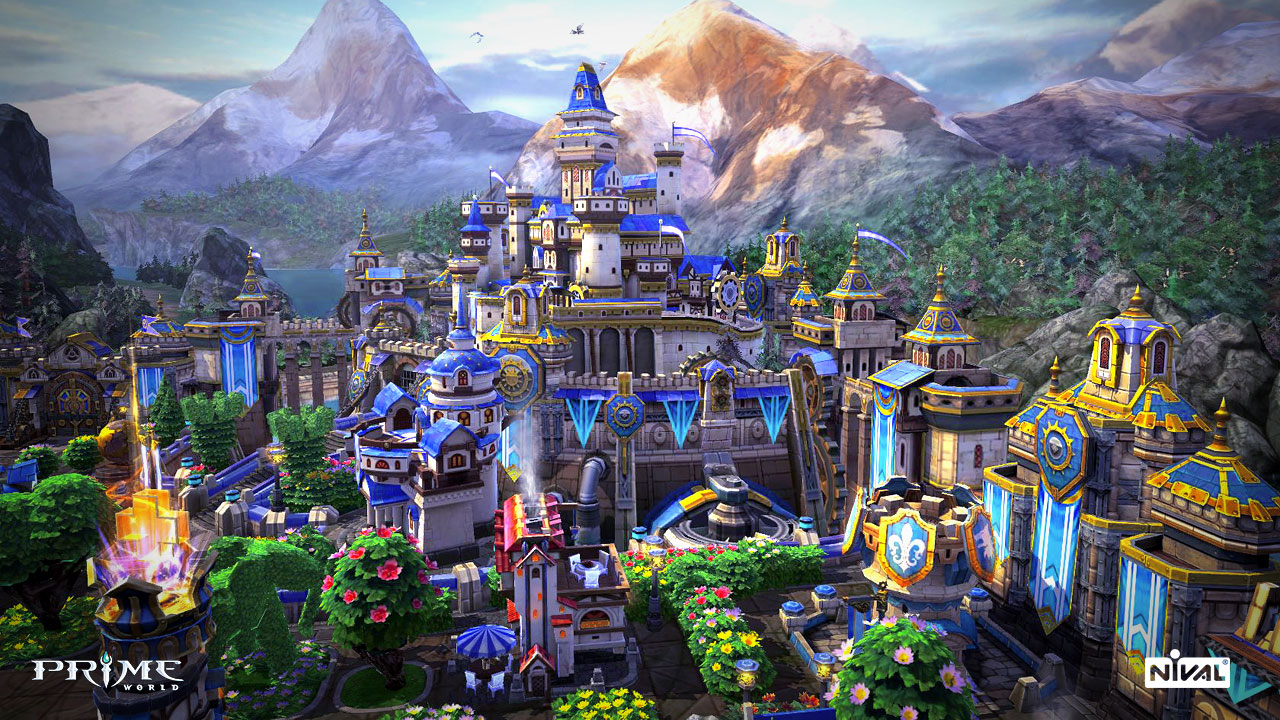
Prime World · RAWG · Courtesy of RAWG
Game data
Metacritic 65- Released
- 2014-03-31
- User rating
- 2.47 / 5
- Genres
- Massively Multiplayer, Action, RPG
- Platforms
- PC
via RAWG
Game details · IGDB
Prime World offers exciting heroic battles, waged to prove the superiority of your clan. Collect unique talents and create an army of invincible heroes. Enter into mutual alliance with other clans, for profit and conquest. Raise your clan to the height of its power!
- Released
- 2014
- Genres
- Role-playing (RPG), Strategy, MOBA
- Platforms
- PC (Microsoft Windows)
- Game modes
- Multiplayer, Co-operative, Massively Multiplayer Online (MMO)
- Developer
- Nival Interactive
- Publisher
- Nival Interactive
Source code
The game consists of two parts: Castle and Battle part. The player takes on the role of a Lord or Lady. In the Castle, the player constructs buildings, hires Heroes, and chooses Talents for them. In the Battle part, the player controls a Hero and uses Talents to fight against other players in team battles. Preparation You need to download the data from this repository and merge the Bin folder with the main game data. Here's how to do it: 1. Copy the folder pw publish/branch/Client/PvP/Bin to pw/branches/r1117 , replacing existing files. 2. Run the client with cheat codes pw/branches/r1117/Bin/PW Game.exe . 3. If done correctly, you will see the loading window, but without a picture and with a black screen. 4. In the folder Profiles - game.cfg , change the value local game 0 to local game 1 . 5. Run the client with cheat codes. Now you should see the lobby where you can select a map, hero, and start a battle. 6. In the game, press the Tilde (~) key on the keyboard, and you will see the console for entering cheat codes. By editing the data, you can: 1. Change descriptions of hero talents and abilities. 2. Modify hero talents and abilities. 3. Change the logic of creeps and towers. 4. Add new heroes and abilities. 5. Add new talents. 6. Modify and add effects. 7. Change and add models and animations. When altering data, there's no need to build a new client from the code. Just press File - Save , and all changes will instantly appear in the PW Game game client. As an example, you might try altering the description of a specific talent or hero ability. Game Data Editor The game data editor is located at pw/branches/r1117/Bin/PF Editor.exe Game Client with Cheat Codes In the repository, you can find the already compiled game client with cheat codes pw publish/branch/Client/PvP/Bin/PW Game.exe Acknowledgements To the Prime World: Classic community for their contribution to open-source development, documentation, and bug fixing. GitHub To the Prime World: Nova community for their contribution to documentation and error fixing.
Excerpt from the source-code README · 4,928 chars · not written by Vinony
Wikidata facts
- Instance of
- video game
- Country of origin
- Russia
- Developer
- Nival Interactive
- Platform
- Microsoft Windows
- Game mode
- co-op mode
- Game engine
- Unity
- Distribution format
- digital distribution
- Official website
- primeworld.top
Show 8 more facts
- Commons category
- Prime World
- software version identifier
- 2.5.0
- distributed by
- Steam
- business model
- free-to-play
- input device
- computer keyboard
- publication date
- 2014-03-31
- language of work or name
- Turkish
- source code repository URL
- github.com/Prime-World-Classic/Prime-World
via Wikidata · CC0