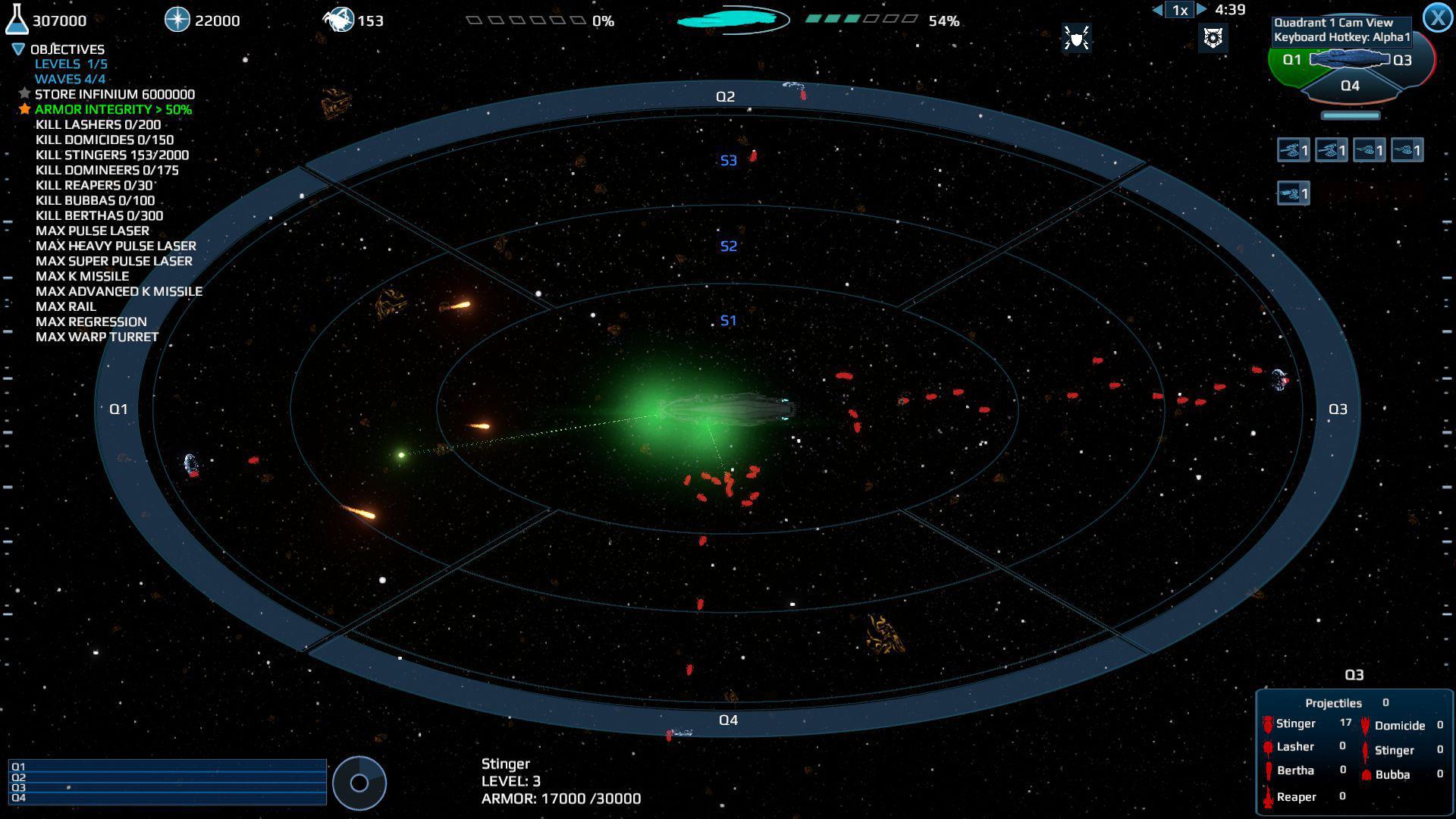
Infinium Strike · RAWG · Courtesy of RAWG
Game data
- Released
- 2016-07-13
- User rating
- 2.00 / 5
- Genres
- Casual, Strategy, Indie, Action
- Platforms
- PC, macOS, Linux
via RAWG
Game details · IGDB
Vega Strike is a first-person space trading and combat simulator, developed for Microsoft Windows, Linux, FreeBSD and OS X systems. Many of the core game mechanics of Vega Strike are indirectly inspired by Elite.
- Released
- 2002
- Genres
- Simulator, Turn-based strategy (TBS), Card & Board Game
- Platforms
- PC (Microsoft Windows)
Source code
Features All the art assets are original. Never before seen ships modelled by the Vegastrike team! Astounding soundtrack! Multiple Systems Entire Sol sector and Vega sector included! Fly through huge multilayered asteroid fields Explore nebulae where your radar fritzes out Jump to other systems at green jump points with the 'j' key Time compression Sound effects that make starships roar as they pass and zap as they die Bolt weapons with glowing lighting effects Cloaking that renders a ship partially/fully invisible Customizable fully working HUD with targetting displays, etc Customizable Alien Race logos that will change on all starships by editing TerranPriA.bmp and TechPriA.bmp Intelligent, Programmable AI Encounter epic battles happening in many systems The universe is fully dynamic and progresses on its own and independently of the player advancement Varied weapons on different starships Explosions that literally tear a starship into pieces Shields That Glow upon hit (in the location hit) Customizable missions Stars that fly past as you explore the system RAPID collision system that allows no problems with collisions BSP Trees that allow one to fly close to a starship, and in the runway of (well-formed) models... unlike the victory from WC3. the Normal Force which bounces starships off of each other Respawn with the ';' key (semicolon) Switch Ships with the '' key Joystick support for a full-featured joystick Either install Vega Strike from the binary installer for your platform, if available, or follow the instructions for compiling from source. ( Compiling Vegastrike , below.) First change settings with bin/vegasettings Then run bin/vegastrike-engine If you install Vega Strike version 0.11.0 on Windows, you also need to install Python 3.12.10, separately, for the game to work. This exact version of Python is required. Without it, the game will exit silently as soon as it starts up. See for the download. (At some future point, we may figure out a better way to handle the Python dependency.) Note that the executable names have changed since the 0.5.x releases. Now, you configure game settings using vegasettings , and run the game itself using vegastrike-engine . With the latter, the data directory ( -d... ) is now a required parameter. This is to allow using the Vega Strike Game Engine with multiple games (asset sets), including Upon the Coldest Sea (vsUtCS), PWCU, and others. If you encounter any issues while playing, please create an issue with the Vega Strike development team by [posting a new issue. The Vega Strike Engine Source repository contains a lot of history not all of which is relevant to current developers if they want to quickly download and build something. By default, the full clone will download over 800 MB of data. There are several options to minimize this: b. OR install the dependencies manually. For Debian, Ubuntu, openSUSE Leap, Fedora, and Rocky Linux, you should be able to reference the contents of the bootstrap script to determine what dependencies to install yourself. Most dependencies are already met with a standard desktop Funtoo install. In particular, you want to make sure your "flavor" is set to desktop, and that you have a proper "mix-in" depending on the desktop manager you use. Check your current profile: All of the steps above are outlined in the Funtoo installation guide at and you should have done it already in the process of installing desktop Funtoo. The only dependency that you have to install manually is OpenAL: b. OR configure and compile VS manually, using the ncurses ccmake frontend: c. OR configure and compile VS manually, using the command-line cmake frontend: On some Ubuntu versions and derivatives, a bug exists whereby enabling PIE compilation (Position Independent Executables) results in the file utility incorrectly recognising the compiled vegastrike binary as a shared library instead of a position independent shared executable object. The absolute path may nee
Excerpt from the source-code README · 26,912 chars · not written by Vinony
Wikidata facts
- Instance of
- video game
- Platform
- Microsoft Windows
- Game mode
- single-player video game
- Distribution format
- digital distribution
- Official website
- www.vega-strike.org
Show 9 more facts
- Commons gallery
- Vega Strike
- copyright license
- GNU General Public License
- software version identifier
- 0.9.1
- programmed in
- C
- input device
- computer keyboard
- language of work or name
- English language
- source code repository URL
- github.com/vegastrike/Vega-Strike-Engine-Source
- operating system
- Linux
- Commons category
- Vega Strike
via Wikidata · CC0